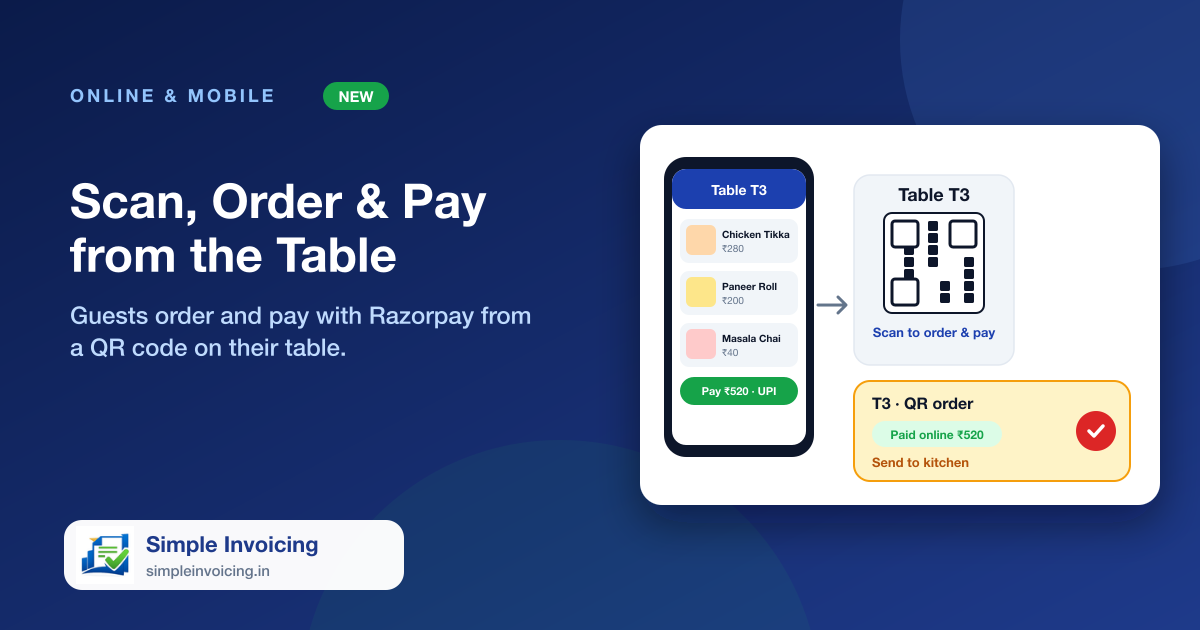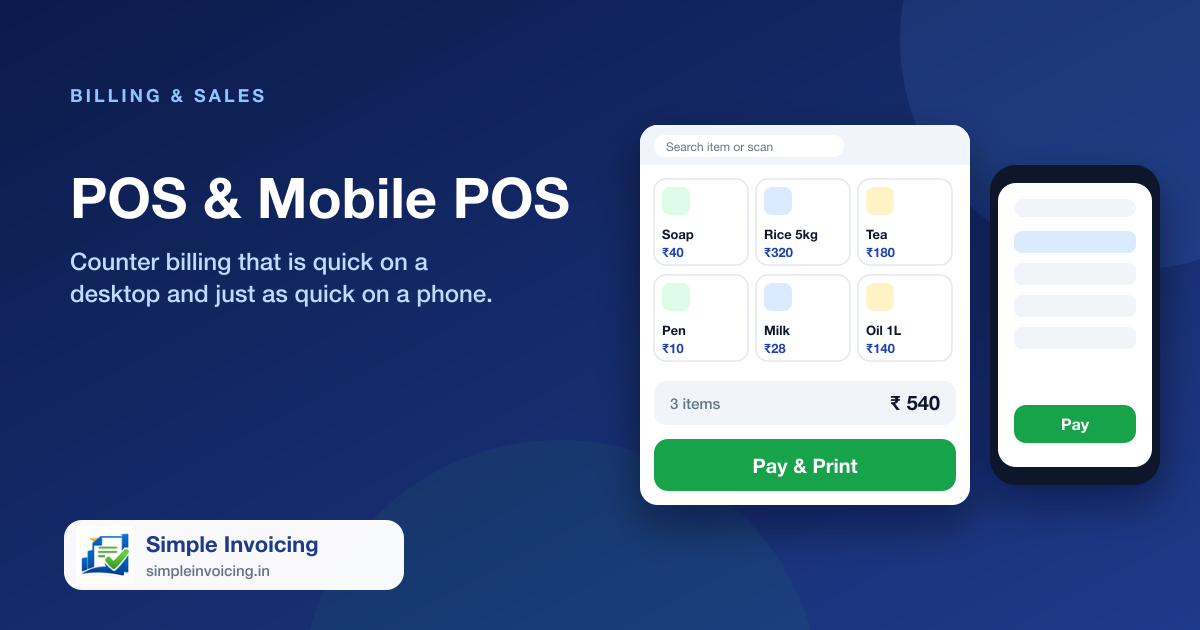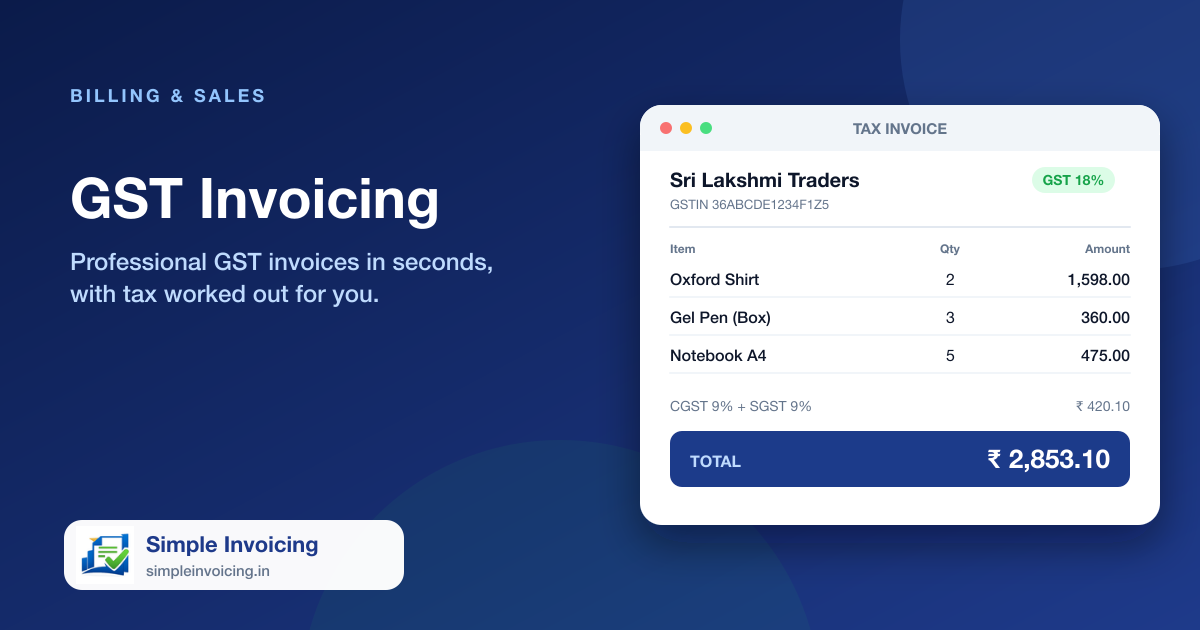
Restaurants need more than a shop counter. The Restaurant POS shows your floor, opens an order per table, sends dishes to the kitchen on numbered tickets and turns the finished bill into a normal GST invoice, with stock, payments and accounts updated like any other sale.
What you can do
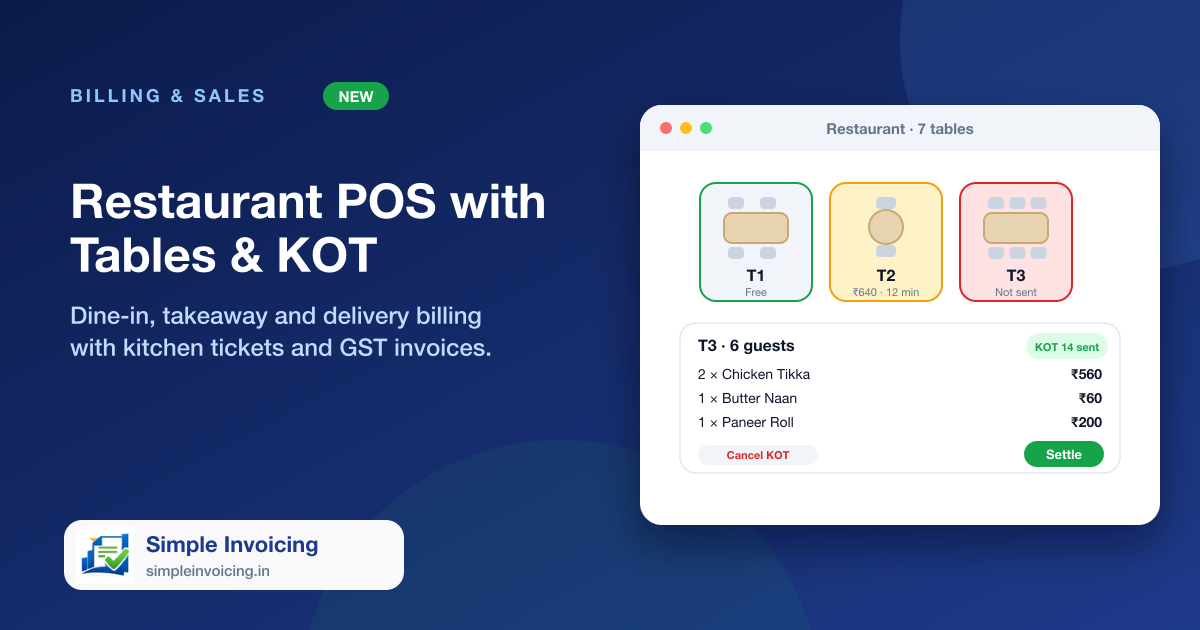
A floor you can read at a glance
Every table is drawn from above with its real number of chairs, from 2 to 10. Occupied tables turn amber, tables with dishes not yet sent turn red, and each card shows the bill and how long it has been open.
Kitchen tickets (KOT)
Send new dishes to the kitchen on a numbered KOT, add more later as separate portions, and cancel sent dishes with a reason that prints a cancel ticket. Reprint any ticket.
Dine-in, takeaway and delivery
Start an order on a table, or as a takeaway or delivery order with the customer's name, mobile and address. Move a table, change the guests and add notes such as less spicy.
Settle into a GST invoice
Apply a discount, print a provisional bill for the table, then settle with cash, card or UPI, or leave it due. GST is worked out on the discounted amount and the invoice posts to your accounts.
Also included
- Photo menu with veg, non-veg and egg marks, category filters and search
- Several waiters can work at once: an order edited elsewhere reloads with a clear message
- Kitchen and bill slips print on 80 mm thermal paper
- Tablet and phone layouts with the cart in a bottom sheet
Frequently asked questions
Can I use my existing items as the menu?
Yes. Every active item with a price appears on the menu. Mark dishes as veg, non-veg or egg in the item form and give them photos.
Is the bill a proper GST invoice?
Yes. Settling creates a normal GST invoice with HSN-wise tax, payments and accounting entries. The provisional bill is only for the table to check.