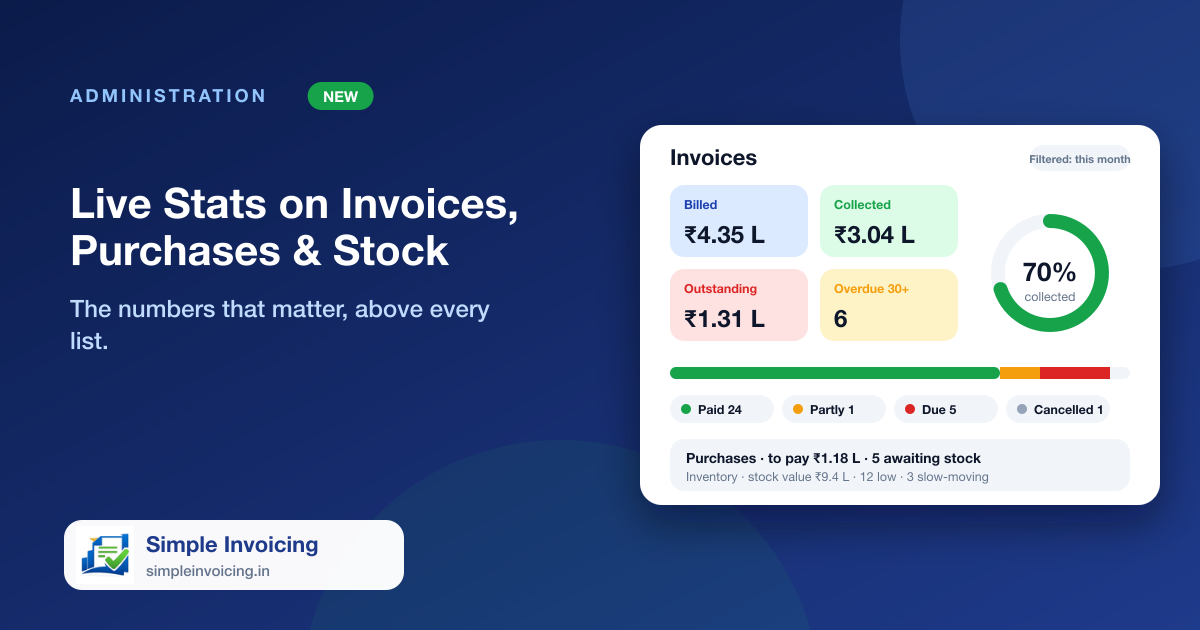
Lists tell you what happened; totals tell you where you stand. The Invoices, Purchases and Inventory pages now open with the figures behind them, worked out across every record that matches your filters and not just the page on screen.
What you can do
Invoices
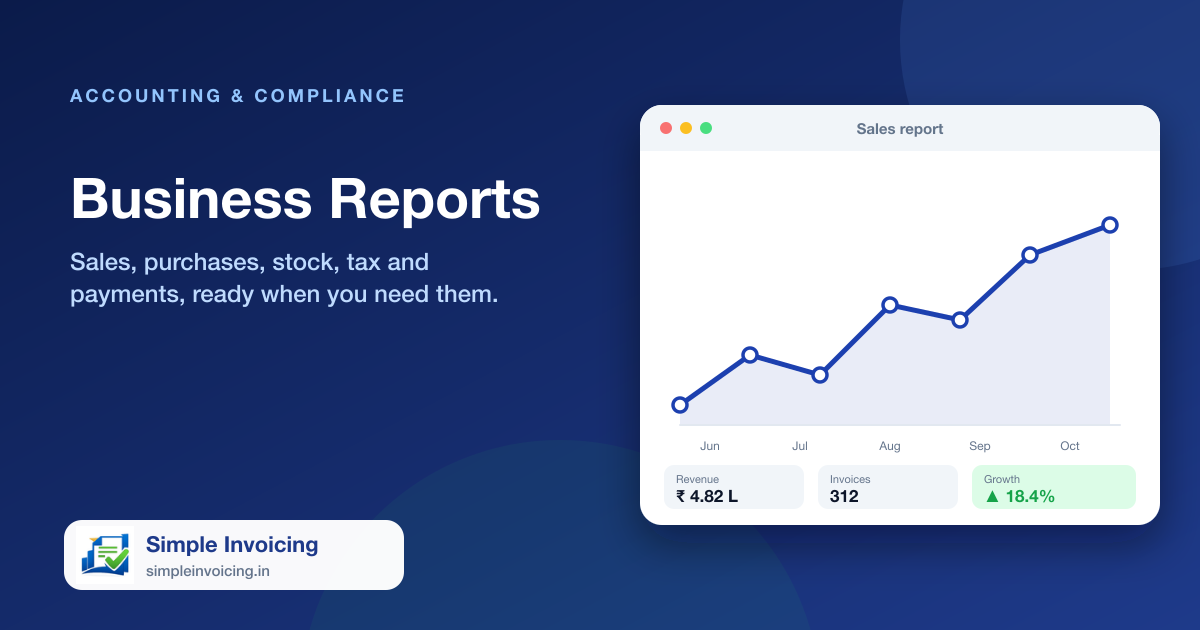
Total billed, collected and outstanding, the collection rate, invoices unpaid for over 30 days and a status bar for Paid, Partly paid, Due and Cancelled.
Purchases
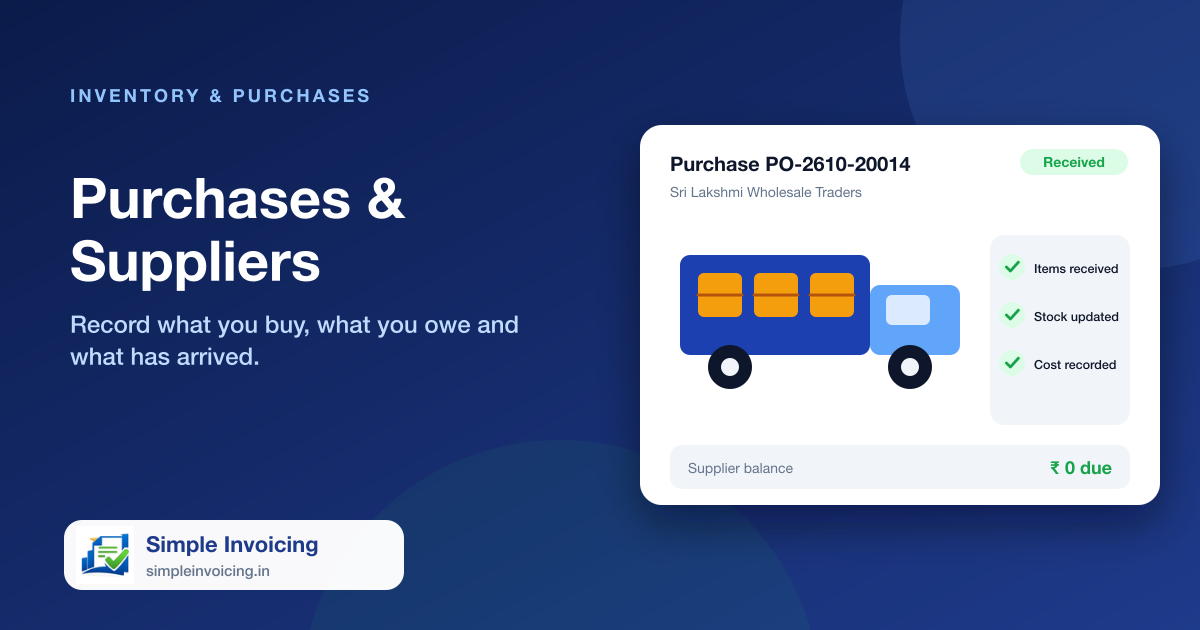
Total purchased, paid and still to pay, bills overdue, purchases awaiting stock with the age of the oldest, and this month against last month.
Inventory
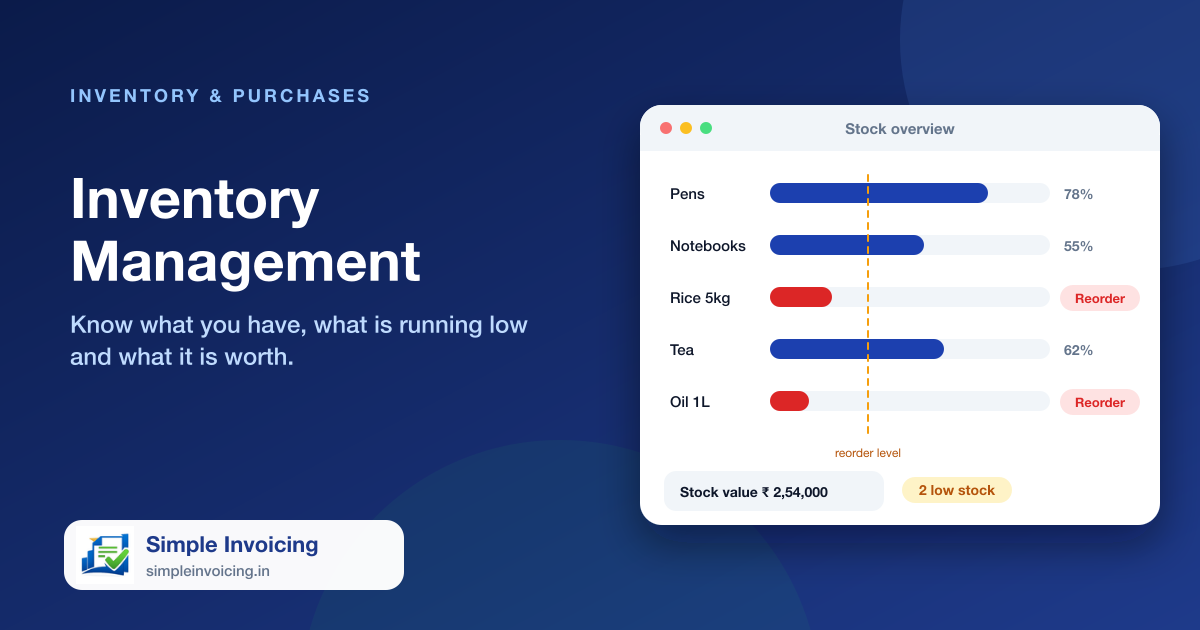
Stock value at cost and at selling price, potential profit, low and out-of-stock items, stock not sold in 90 days and batches about to expire.
Items
The Items page shows how many items are active, how many are on your online store, the categories in use, average margin and what needs tidying: no price, priced below cost, no HSN or no photo.
Click to filter
Tap a status or a top supplier or item and the list below narrows to it. The figures follow whatever filters you set.
Also included
- Cancelled invoices and purchases are not counted as sales or spend
- Top suppliers and the items holding the most money
- Indian number format with lakh and crore shorthand
- Refreshes with the list as you work
Frequently asked questions
Do the totals cover only the rows on the current page?
No. They are calculated across every invoice, purchase or item that matches your filters, however many pages that is.
What counts as slow-moving stock?
An item with stock that has not been sold in the last 90 days and was added more than 90 days ago.