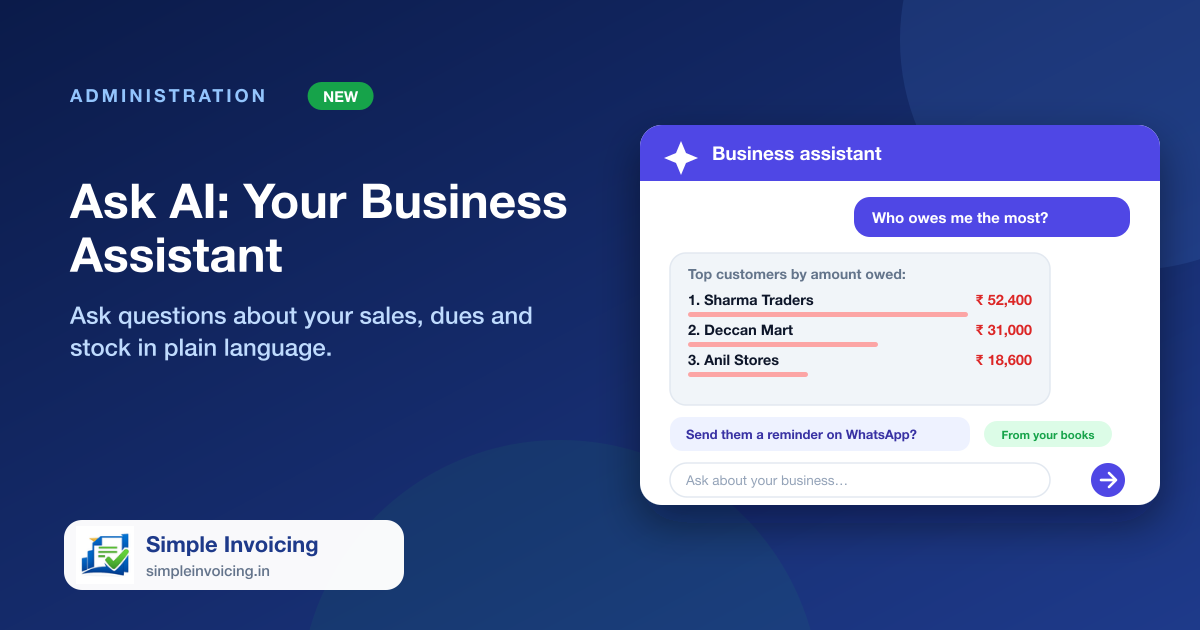
Instead of opening four reports, just ask. The Ask AI assistant on the dashboard answers from your own figures: how much you sold this month, who owes you the most, which items to reorder, what is waiting to arrive. Fifteen ready-made questions are always on screen and work straight away; add a Gemini key and you can ask anything else in your own words.
What you can do
Fifteen questions, one tap
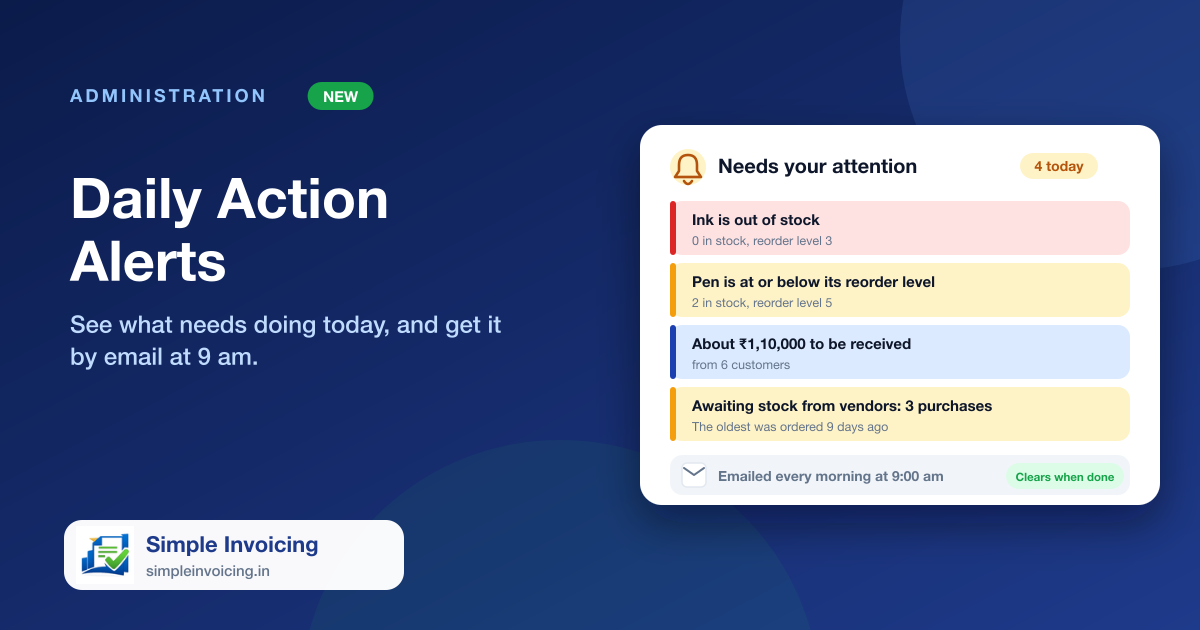
Business summary, what needs attention today, who owes you the most, what to reorder, sales this month against last, top items and customers, stock value, supplier dues and more. They are always on screen.
Answers from your own books
Ready-made questions are answered straight from your sales, stock and accounts with no AI involved, so the answer is the same every time and appears in under a second.
Ask in your own words
Type a question and it is matched to the right ready-made answer. For anything those do not cover, an administrator can add the company's Google Gemini key and the assistant answers that too.
Read only, and private to you
The assistant cannot change anything in the app. The Gemini key is stored encrypted for your company and never shown again, and phone numbers and addresses are left out of what Gemini sees.
Also included
- Works on the dashboard, on phone and computer
- Suggested questions to get started
- Replies in the language you write in
- Each company uses its own key and its own data
Frequently asked questions
Do I need a Gemini key to use it?
No. The ready-made questions work without one. A key is only needed to answer questions of your own that none of them cover.
What data is sent to Google?
Nothing, unless a Gemini key has been added and you ask a question of your own. Then a summary of your business figures, such as totals, top customers by amount owed and low-stock items, is sent to Google Gemini to answer it. Phone numbers and addresses are not included.